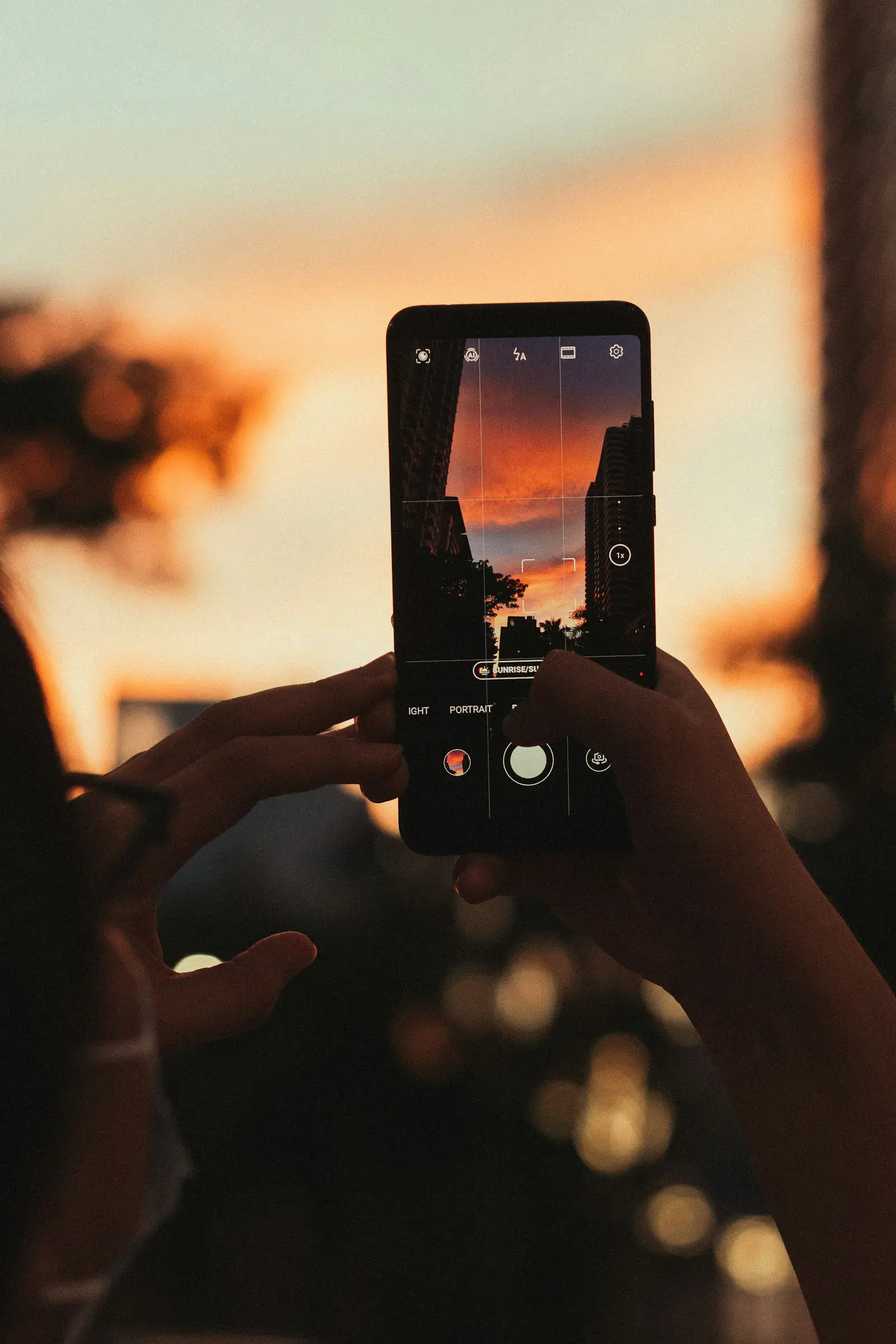
Instagram Stories are a quick way to stay visible between posts. Unlike feed posts or Reels, Stories are casual and built for real-time sharing — behind-the-scenes moments, product updates, quick announcements, polls, questions, reminders and links.
Because Stories appear at the top of the Instagram app, they keep you in front of people who already follow you. They work well for driving interaction, answering questions and sending followers toward a product, service or offer.
Stories keep you visible at the top of the app, drive interaction through stickers, send traffic via the link sticker, and let you post casually without touching your feed. The best ones get saved to Highlights and stay on your profile permanently.
What is an Instagram Story?
An Instagram Story is a vertical photo or video that appears in a full-screen format and disappears after 24 hours. When you post one, a colored ring shows up around your profile picture so followers know there is something new to watch.
Stories appear in the tray at the top of the home screen. Followers can tap through them, reply by DM, react with emojis, vote in polls, answer questions, click links or interact with stickers. That is the difference from a feed post — a feed post is curated and stays on your profile; a Story is immediate, informal and conversational.
For creators, Stories are useful for everyday updates, personal thoughts, behind-the-scenes clips and quick check-ins. For businesses, they work well for product previews, FAQs, launches, testimonials, reminders, limited-time offers and community-building. You can share with your full audience or limit to Close Friends for private updates and exclusive content.
Why Instagram Stories are worth using
Stories are not only about attracting new followers. Their real value is in helping you build stronger relationships with the people who already follow you — showing up more often, starting conversations and inviting your audience to participate instead of scroll past.
Stay top of mind
Because Stories sit at the top of the app, they give you a visible touchpoint with followers. Even a short update reminds people who you are, what you offer and why they follow you.
Build engagement
Interactive stickers make Stories feel like a conversation. Polls, quizzes, questions, sliders, countdowns and "Add Yours" prompts give followers an easy way to respond.
Drive action
The link sticker can send viewers to a product page, blog post, booking form, newsletter signup, YouTube video, podcast episode, waitlist or sales page.
Share casual content
Not everything needs to be a permanent feed post. Stories are ideal for quick updates, informal thoughts, reminders, reposts and time-sensitive content.
How to post an Instagram Story
- Open Instagram.
- Tap the plus button.
- Select Story.
- Take a new photo or video, or upload one from your camera roll.
- Add text, stickers, music, filters, links, mentions, GIFs or other elements.
- Tap Your Story to share with followers, or Close Friends for a smaller group.
Stories are vertical at 1080 x 1920 px (9:16). A single continuous Story video can be up to 60 seconds — anything longer is auto-split into 60-second segments. Keep important text and logos away from the top and bottom 250 pixels so the username, timestamp and reply bar do not overlap your content.
You can also share your own posts, Reels or carousels to Stories by tapping the paper airplane icon and selecting Add to Story.
Types of Instagram Stories you can create
Standard Stories
The default format. Post a photo or video, then add text, filters, stickers, music, links and effects. Use it for everyday updates, product shots, short clips, reminders, behind-the-scenes moments and announcements.
Create mode
Post text, stickers and other elements on a plain background — no photo or video required. Great for quick thoughts, prompts, quotes, mini announcements and text-based updates.
Boomerang
A short looping video that plays forward and backward. Use it for playful moments — unboxing, pouring coffee, transformations or adding movement to a simple scene.
Layout
Combine multiple photos into one Story frame. Use it for before-and-after comparisons, product variations, event recaps, outfit combinations or showing several moments at once.
Hands-free
Record video without holding down the record button. Use it for tutorials, demos, walkthroughs, recipes and product explanations where you need both hands.
How to use Instagram Story stickers for engagement
Story stickers are one of the easiest ways to make content interactive. Create or upload a Story, tap the sticker icon, then choose polls, questions, links, music, countdowns, location tags, mentions, GIFs and more.
Add Yours sticker
Create a public prompt that other people can respond to with their own Stories — "Show us your desk setup," "Your favorite morning drink," "What's in your camera roll?" The sticker can help your content spread beyond your immediate audience because other users join the thread.
Captions sticker
Automatically adds subtitles to your video Stories. Makes them easier to follow without sound and improves accessibility. Availability can vary by language and region.
Shopping sticker
If your business has Instagram Shopping set up, you can tag products directly in Stories. Works well for launches, restocks, product demos, gift guides and limited-time promotions.
Donation sticker
Lets people contribute to a selected nonprofit or cause directly through Instagram. Useful for nonprofits, community campaigns, awareness days and brands supporting a cause.
Quiz sticker
Ask a multiple-choice question and mark the correct answer. Use it to educate your audience, test product knowledge or turn a topic into a quick game.
Question sticker
Followers submit written responses. Collect feedback, gather content ideas, run an AMA, ask for customer questions or invite your audience into a conversation. You can repost answers in follow-up Stories.
Poll sticker
One of the easiest ways to get quick engagement. Use polls for product feedback, content preferences, "this or that" choices, launch decisions, audience research and low-effort fun questions. Polls work because they require almost no effort from the viewer.
Countdown sticker
Build anticipation before a moment. Use it for product launches, event reminders, webinar registrations, sale deadlines, new collection drops and big announcements. People can tap the countdown to get a reminder when the timer ends.
Link sticker
Turns Stories into a traffic driver. Use it to send followers to a product page, blog post, newsletter signup, booking form, YouTube video, free resource, podcast, press feature, waitlist or sales page. To add one, open the sticker tray, choose Link, paste your URL, customize the sticker text if needed, and place it on your Story.
What are Instagram Story Highlights?
Highlights are saved collections of Stories that stay on your profile after the 24-hour window ends. They appear as circular buttons near the top of your profile, above your feed.
Think of Highlights as a way to turn temporary content into an evergreen resource. Instead of letting your best Stories disappear, organize them into categories that help new visitors understand who you are, what you offer and why they should follow or buy.
Useful Highlight ideas:
- FAQs
- Reviews
- Product categories
- Services
- Tutorials
- Behind the scenes
- Press mentions
- Customer results
- Event recaps
- Start here
- New arrivals
- Best sellers
To create a Highlight, open a current Story and tap Highlight, or go to your profile and tap the plus button under your bio. Choose the Stories you want to include, name the Highlight and select a cover image. You can edit or remove Highlights anytime by tapping and holding them on your profile.
How to check Instagram Story analytics
If you use a creator or business account, Instagram gives you access to Story analytics. For an individual Story, open it and tap the activity or insights icon — you will see reach, views, interactions, replies, shares, follows and how people moved through the Story.
For broader trends, go to your profile, tap Professional dashboard, open Content you shared, filter by Stories, and review performance.
The goal is not just collecting numbers. Use the data to understand what your audience actually responds to:
- Which Stories get the most replies?
- Which ones do people tap through quickly?
- Which stickers get the most interaction?
- Which topics drive link clicks?
- Which formats keep people watching?
Over time, this helps you create Stories that feel intentional instead of random.
How to build an Instagram Story strategy
A good Story strategy is not complicated. Show up consistently, make it easy to engage and use Stories to support your larger content or business goals.
1. Post regularly
Stories disappear after 24 hours, so consistency matters. You do not need to post constantly, but it helps to keep a rhythm your audience can get used to. For some brands that is one or two Stories per day; for others, several Stories during launches, campaigns or busy weeks. Start with a schedule you can realistically maintain.
2. Post when your audience is active
Stories perform better when your audience is online. Use Insights to check when your followers are most active, then test posting in those windows. Over time you will see when your Stories get more views, replies and interactions.
3. Use interactive features often
If every Story is just an announcement, people tap past. Stickers give followers a reason to pause. Build small engagement moments into your week — a Monday poll, a weekly Q&A, a product feedback question, a launch countdown, a niche quiz, a "choose the next topic" poll.
4. Keep Stories visually clear
Stories move fast, so each frame should be easy to understand at a glance. Use short text, clean visuals, enough contrast and a clear focal point. Avoid overcrowding the screen with too many stickers, links, GIFs and text blocks at once. Templates help if you want a consistent look across recurring content — testimonials, tips, FAQs, product drops or weekly updates.
5. Avoid reposting watermarked videos
Try not to upload videos with visible watermarks from other apps. Clean, native-looking content usually feels more professional and tends to perform better across Instagram.
6. Use Stories to support launches
Stories are great for building momentum. For a product launch, you might post a teaser, behind-the-scenes clip, countdown sticker, product demo, poll asking what people are most excited about, customer testimonial, link sticker to buy, then a reminder before the offer closes. Because Stories are temporary, they work well for urgency and real-time updates.
7. Save your best Stories into Highlights
If a Story answers a key question, shows a strong testimonial, explains your product or introduces your brand, save it. Highlights help new visitors catch up quickly and turn your profile into a mini landing page.
Instagram Story ideas you can use
- Behind-the-scenes moment from your day
- Vote on a product, topic or design
- A customer review or testimonial
- A quick tip related to your niche
- Announce a new blog post, video or podcast episode
- Before-and-after transformation
- Countdown for an upcoming launch
- Answer a frequently asked question
- Share a personal lesson or reflection
- Repost user-generated content
- Show how your product is made or used
- Limited-time offer with a link sticker
- Run a mini quiz
- Ask followers what they want to see next
- "Day in the life" sequence
FAQ
What is the difference between an Instagram Story and a regular post?
A Story disappears after 24 hours and appears at the top of the Instagram app. It is best for quick, casual, interactive or time-sensitive updates. A feed post stays on your profile and is usually more polished, permanent or evergreen.
How long do Instagram Stories last?
Stories stay visible for 24 hours. After that, they move to your archive if archiving is on. You can later add archived Stories to Highlights.
How long can an Instagram Story video be?
As of 2026, a single continuous Story video can be up to 60 seconds. Longer uploads are automatically split into multiple 60-second segments.
What is the recommended size for an Instagram Story?
1080 x 1920 pixels at a 9:16 aspect ratio. Keep important text and logos out of the top and bottom 250 pixels so the username, timestamp and reply bar do not overlap.
How many Stories should I post per day?
There is no perfect number. Start with one to five per day, depending on your content, audience and goals. Quality matters more than volume.
How can I see who viewed my Story?
Open your Story and tap the activity icon. You will see a list of viewers while the Story is active. You can also review performance metrics through Instagram Insights with a professional account.
Do people know if I view their Instagram Story?
Yes. Your username appears in their viewer list. They can see that you viewed it, but not how many times.
One more thing
Stories work better when they feel natural and timely. Start with a schedule you can hold, use stickers to get replies, and save the best content into Highlights so new visitors see it too. The analytics will tell you what to keep doing.
Make better Stories with Zaps
Curated mobile templates, fonts and filters for stories, carousels and short videos.
Story templates, filters and fonts for Instagram.
Mobile-first. Start from a template or build from scratch.