AI Background Remover
Remove the background. Keep the focus.
Cut out people, products and objects from photos in seconds. Remove messy backgrounds, create clean subject cutouts and drop them into posts, stories, carousels, collages, thumbnails and brand visuals.
An AI background remover automatically detects the subject in a photo and erases the background.
Zaps includes a one-tap AI background remover that creates a clean PNG cutout from any photo. Use it for product shots, profile pictures, ecommerce posts and branded designs — then drop the cutout straight onto a Zaps template, color or collage. A mobile alternative to remove.bg and Photoroom.
- OutputTransparent PNG cutout
- SpeedOne tap, on-device
- Built foriOS & Android
- Replacesremove.bg, Photoroom
Messy backgrounds make good photos harder to use.
- Your product photo has a distracting background.
- Your portrait needs a cleaner profile-picture look.
- You want to place a subject inside a story, carousel or promo design.
- Manual cutouts take too long.
- You need clean visuals without opening a desktop editor.
- You want to remove the background and keep designing in the same app.
One-tap background removal
Create clean cutouts in seconds.
Use AI to separate the subject from the background quickly. Remove clutter from portraits, products, objects and everyday photos so your main subject stands out.
- Remove photo backgrounds
- Cut out people, products and objects
- Prepare visuals for social posts
- No manual tracing required
Transparent background assets
Make images you can place anywhere.
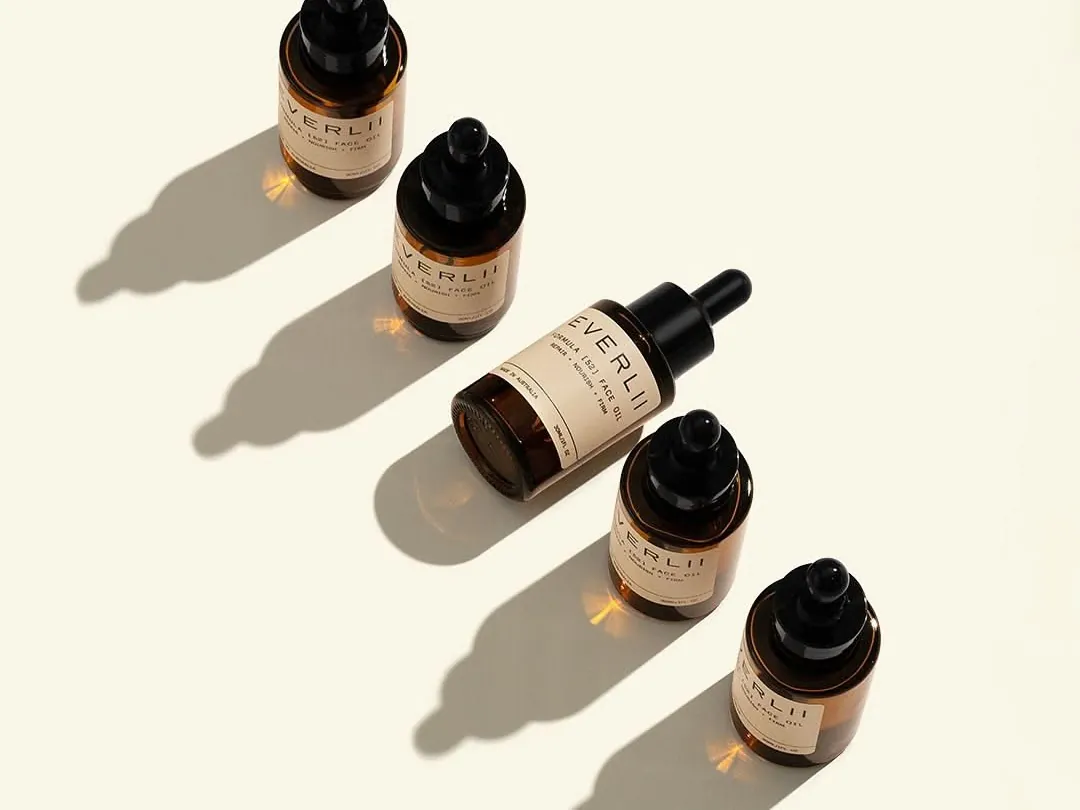
A clean cutout is more useful when you can reuse it. Create transparent-background-style assets that can be placed into stories, carousels, collages, thumbnails, product posts and brand templates.
- Transparent background-style cutouts
- Reusable product and portrait assets
- Great for thumbnails and promos
- Place subjects into templates
- Layer cutouts over colors, gradients or images
- Build cleaner social designs
Product photo cleanup
Make product photos look ready to sell.
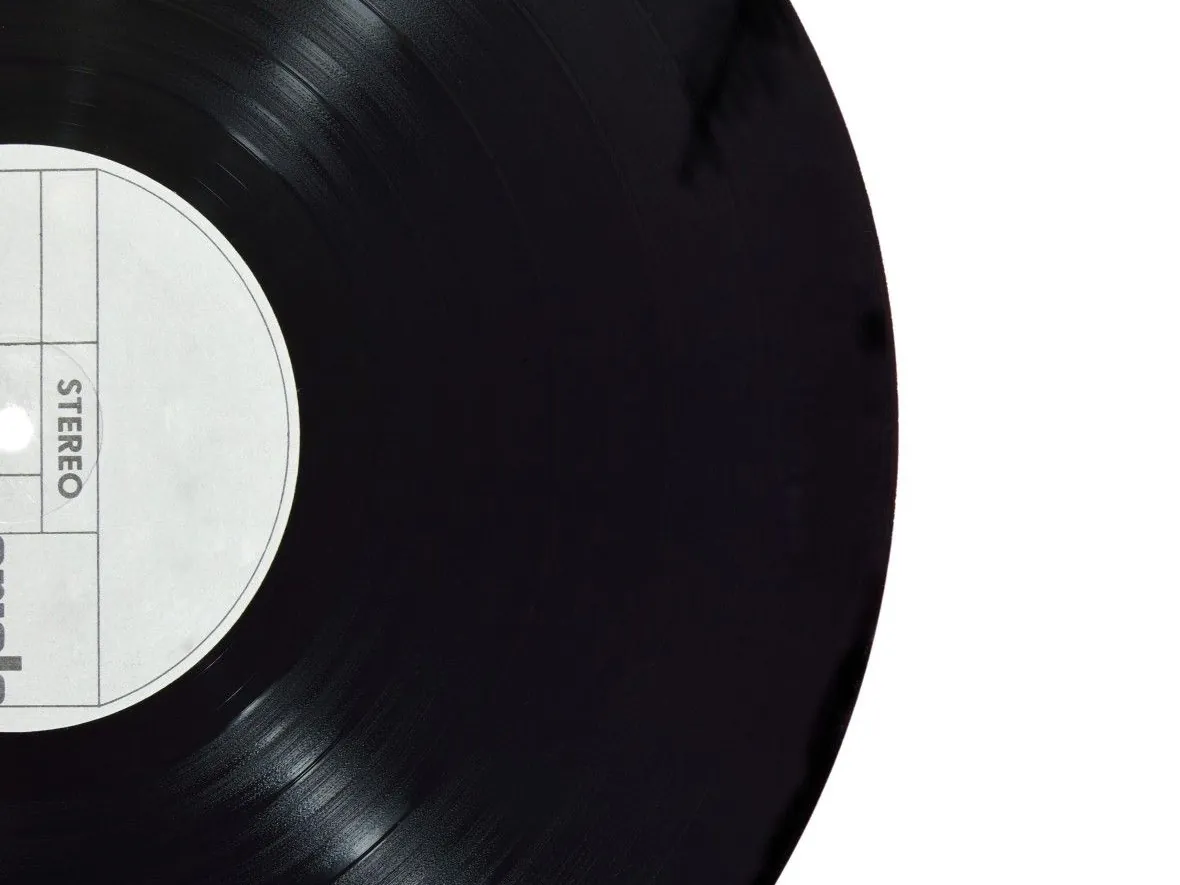
Remove distracting backgrounds from product shots and place products into cleaner layouts. Create product posts, launch graphics, menus, offers, ecommerce visuals and business promos.
- Product background removal
- Clean product cutouts
- White, color or gradient-style backgrounds
- Product launch graphics
- Menu and offer posts
- Ecommerce-style visuals
Profile pictures & portraits
Create a cleaner profile photo.
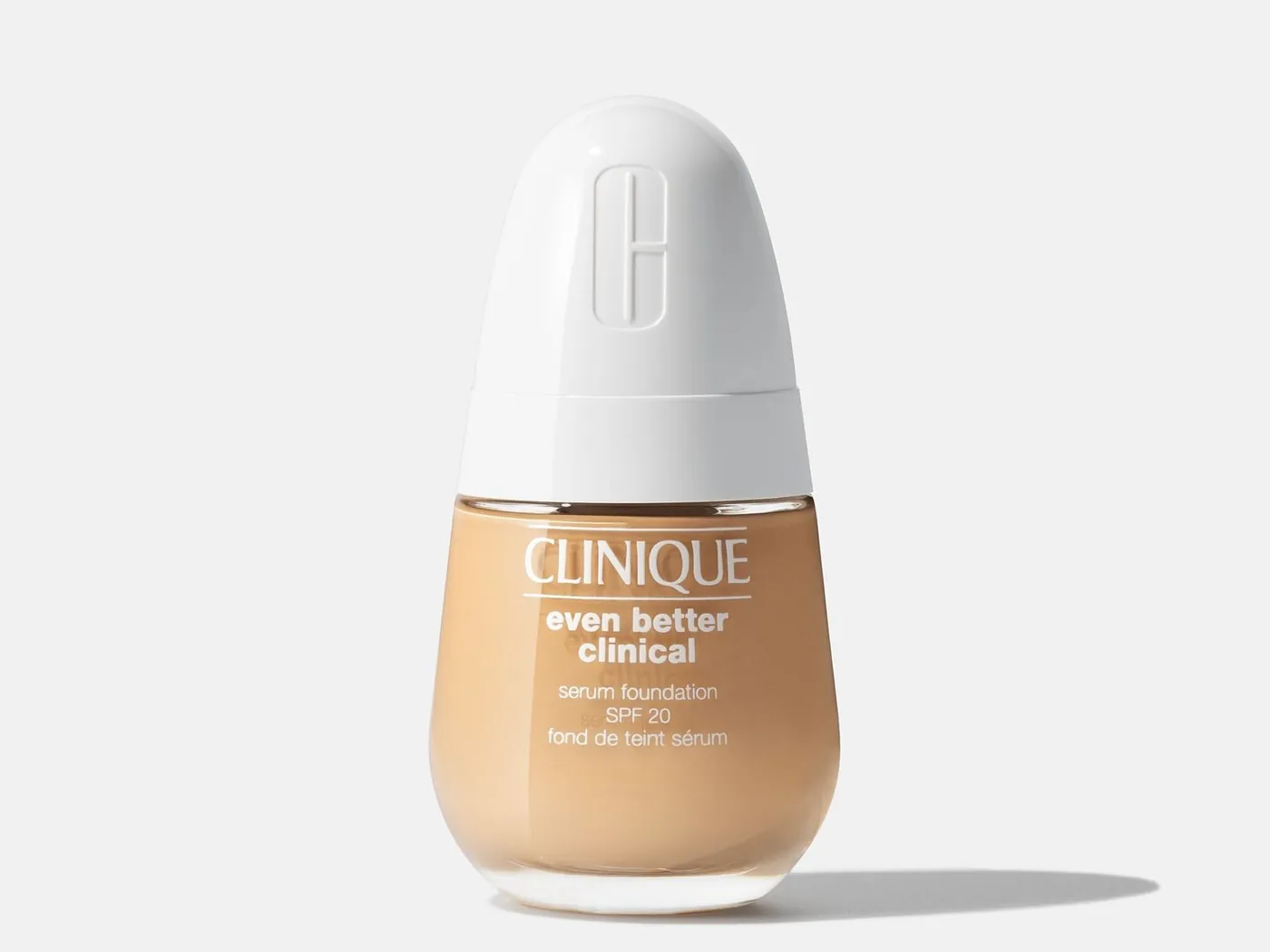
Cut out portraits and place them on cleaner backgrounds for profile pictures, personal brand content, creator thumbnails, team posts or announcement graphics.
- Profile picture background removal
- Portrait cutouts
- Creator headshots
- Team and founder graphics
- Professional-looking social images
- Clean backgrounds for personal branding

Background replacement
Swap clutter for something intentional.
After removing the background, place your subject on a cleaner visual: a solid color, gradient, branded layout, collage, template, image background or promotional design.
- Replace messy backgrounds
- Add brand colors
- Use gradients and clean layouts
- Place cutouts inside templates
- Create social graphics faster
- Make photos fit your brand aesthetic

Stories, carousels & collages
Use cutouts inside real social designs.
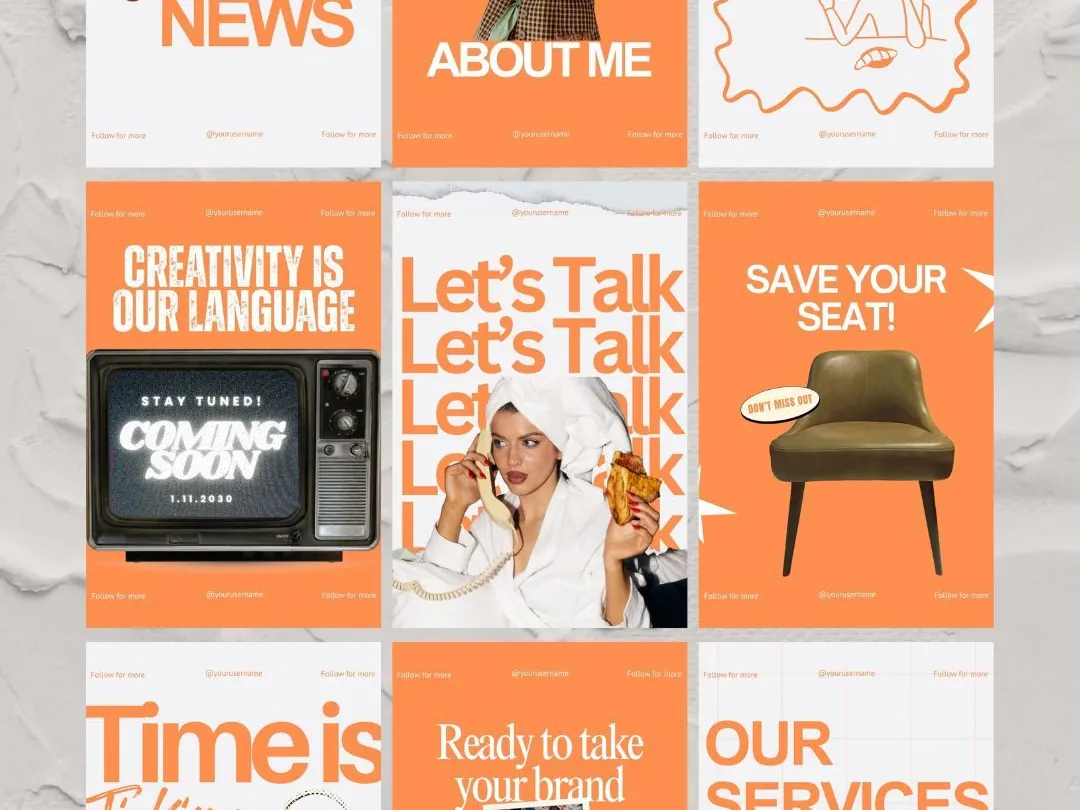
Background removal is one step. Once your subject is cut out, use it across your creative workflow: Instagram stories, carousels, collages, short videos, product promos and branded content.
- Add cutouts to story templates
- Use product cutouts in carousels
- Create collage-style designs
- Make thumbnail-style graphics
- Build launch and promo posts
- Combine with fonts, stickers and filters
AI editing workflow
Remove, enhance and design in one place.
Use background remover alongside Zaps AI photo enhance and magic eraser tools. Clean up the photo, isolate the subject, then design a finished piece of content without switching between apps.
- Remove backgrounds
- Enhance photo quality
- Clean distractions with magic eraser
- Add filters and effects
- Add fonts, stickers and frames
- Export social-ready designs
Use cases
Background removal for everything you create.
Product photos
Remove distracting backgrounds and create cleaner images for launches, offers, menus, listings and ecommerce posts.
Profile pictures
Create cleaner portraits for profile photos, personal branding, founder posts and creator content.
Social media posts
Place cutouts into posts, stories, carousels, collages and branded layouts.
Thumbnails and covers
Create eye-catching cover images, video thumbnails, reel covers and announcement graphics.
Business promos
Turn everyday product or service photos into polished promotional content.
Creator edits
Use cutouts for memes, edits, aesthetic designs, stickers, story graphics and short-form video assets.
Brand templates
Place products, people or objects into consistent templates using your colors, fonts and style.
How it works
Remove a background in minutes.
Choose your photo
Choose a photo with a person, product or object.
Remove the background
Use AI background remover to cut out the subject.
Place the cutout
Place the cutout on a clean background, template, color, gradient or collage.
Finish the design
Add text, stickers, filters, frames or AI edits.
Export and post
Export and post to Instagram, TikTok, your store, website or anywhere else.
Why Zaps
More than a background remover.
Standalone BG remover tools
- Great for quick cutouts
- Often stop at download
- Need another app for templates and design
- Product promos still require extra layout work
- Hard to keep brand visuals consistent
Desktop design tools
- Powerful but slower on mobile
- Can be too much for quick social content
- Background removal may sit behind premium plans
- More steps before you can publish
Zaps AI Background Remover
- AI background removal
- Product, portrait and object cutouts
- Background replacement-style designs
- Templates for stories, collages and carousels
- Fonts, stickers, filters and frames
- AI enhance and magic eraser tools
- Built for fast social content creation
Explore Zaps
Create more with Zaps.
Reviews
What creators and businesses say.
"I use background remover for product photos, then turn them into posts without leaving Zaps."
"It is perfect for making clean profile pictures, thumbnails and announcement graphics from regular photos."
"The best part is that the cutout is only the first step. I can add it straight into a story, carousel or collage."
FAQ
Frequently asked questions.
Cut out the subject. Create the design.
Remove messy backgrounds, create clean cutouts and turn your photos into posts, stories, carousels, collages and branded content with Zaps.