Seamless Carousel Maker
Create swipe posts that feel connected.
Design seamless Instagram carousels, photo series, lookbooks, tutorials and storytelling posts from your phone. Templates, collages, fonts, stickers, filters and AI tools are all built in.
4.8 stars on the App Store · Available on iOS & Android
An Instagram carousel maker is a mobile design tool for building seamless multi-slide swipe posts.
Zaps is a carousel maker app for iPhone and Android that helps creators and small businesses design seamless Instagram carousels — photo series, lookbooks, tutorials, launches and storytelling posts. Templates, fonts, stickers, filters and AI tools are built in. A mobile-first alternative to Canva, SCRL and CRSEL.
- FormatUp to 20 slides per Instagram post
- Recommended size1080×1350 px (4:5 vertical)
- Built foriOS & Android
- ReplacesCanva, SCRL, CRSEL
A carousel should feel like a story, not separate slides.
- Your slides feel disconnected.
- You want seamless designs where elements continue across frames.
- You need carousels for photo series, tutorials, launches or storytelling.
- Text-heavy slides are hard to make readable.
- Designing multiple slides from scratch takes too long.
- You want a mobile workflow instead of a desktop design tool.
Start with a swipe that already flows.
Choose templates built for connected, multi-slide storytelling. Create Instagram carousels where photos, text, shapes and design elements feel like part of one larger canvas.
- Seamless Instagram carousel templates
- Swipe-through post layouts
- Connected multi-slide designs
- Photo series templates
- Lookbook carousel templates
- Tutorial and storytelling formats
- Product launch and promo carousels

Design slides that belong together.
A carousel only works if the slides feel good together. Build connected layouts, check the flow, spacing, text, images and visual continuity before posting.
- Design multiple slides as one visual
- Check how the carousel flows
- Align elements across frames
- Keep spacing and typography consistent
- Make every slide feel part of the same design
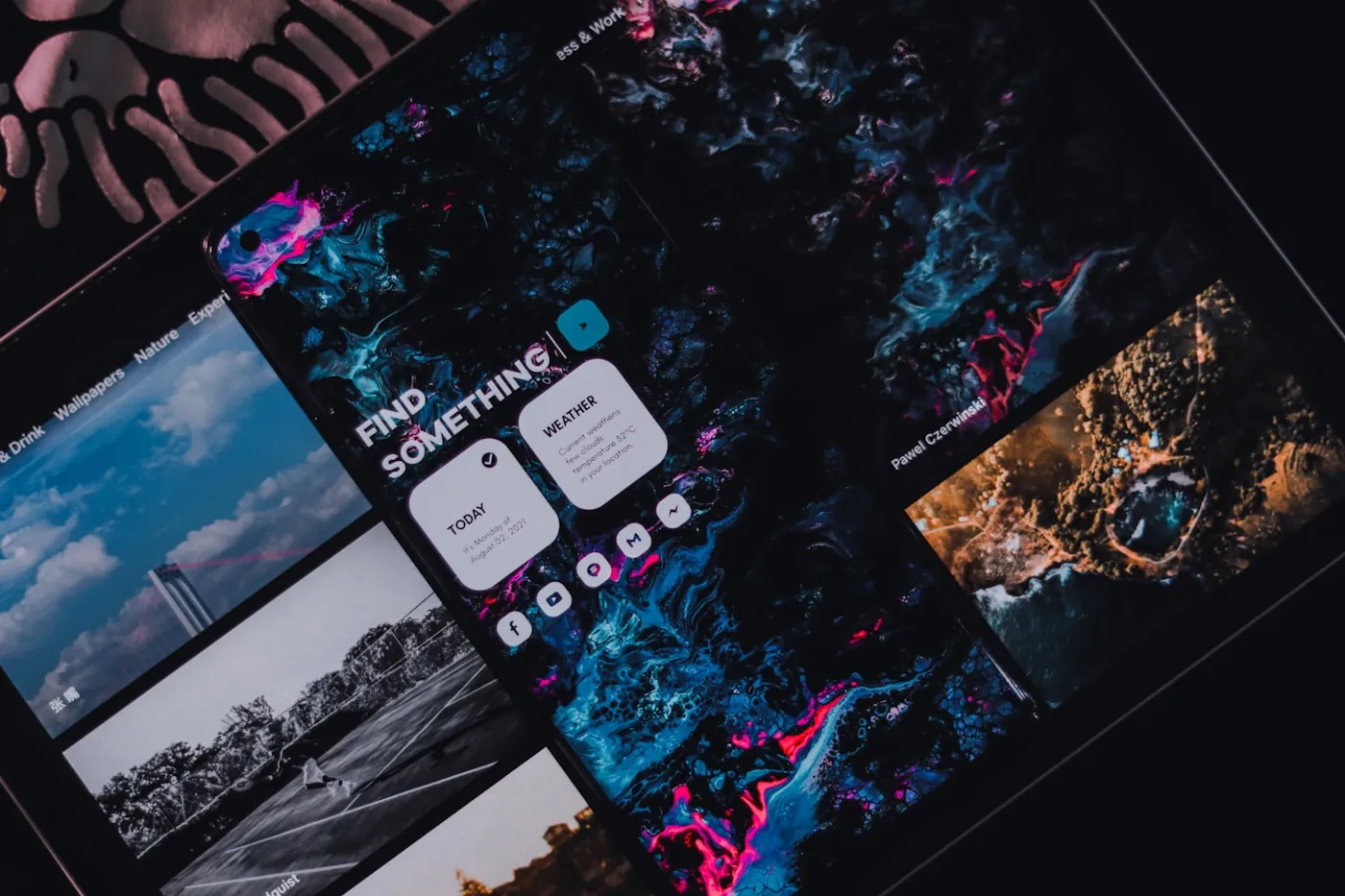
Turn photos into a visual story.
Create carousels for travel memories, fashion looks, product collections, portfolios, events and creative projects. Arrange photos across slides with clean layouts, overlays, captions and filters.
- Travel photo series
- Outfit and fashion lookbooks
- Product collections
- Portfolio carousels
- Event recaps
- Wedding, birthday and memory posts
- Moodboard-style swipe posts

Make people want to save your ideas.
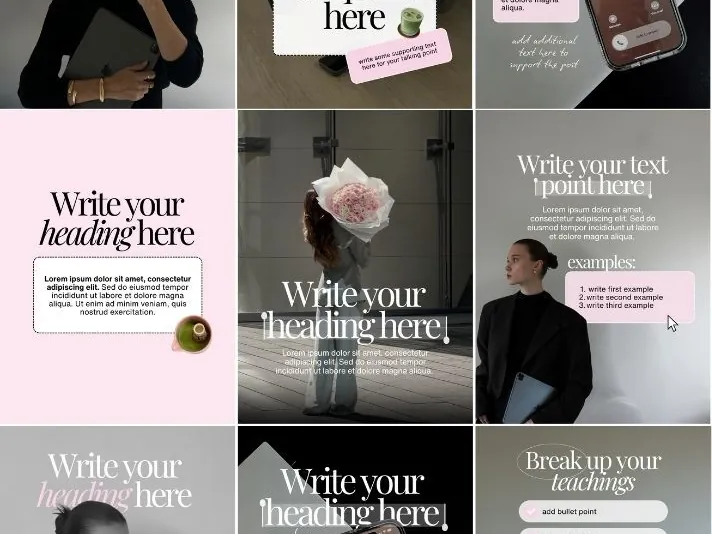
Turn tips, frameworks, tutorials, lists and lessons into readable carousel posts. Break one idea into swipeable slides with a strong hook, clear structure and polished visuals.
- Hook slide templates
- Step-by-step layouts
- Tip and list carousels
- Quote and insight slides
- CTA and closing slides
- Mobile-first typography
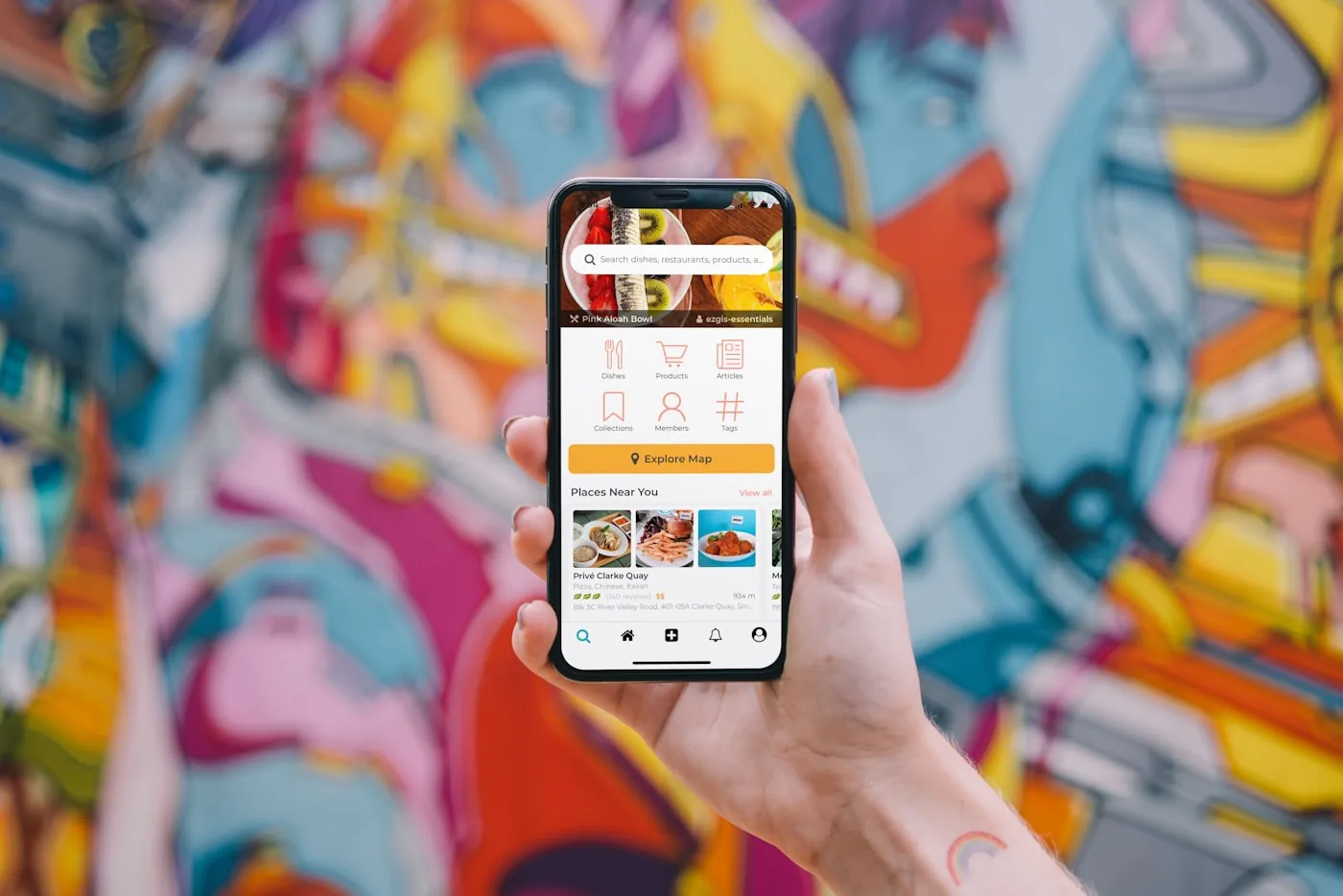
Mix photos, text and design freely.
Carousel posts often work best when they combine collage, layout and storytelling. Create layered posts with photos, frames, stickers, text, filters and visual details across multiple slides.
- Layered photo layouts
- Collage-style swipe posts
- Frames and borders
- Stickers and overlays
- Captions and labels
- Creative moodboard layouts
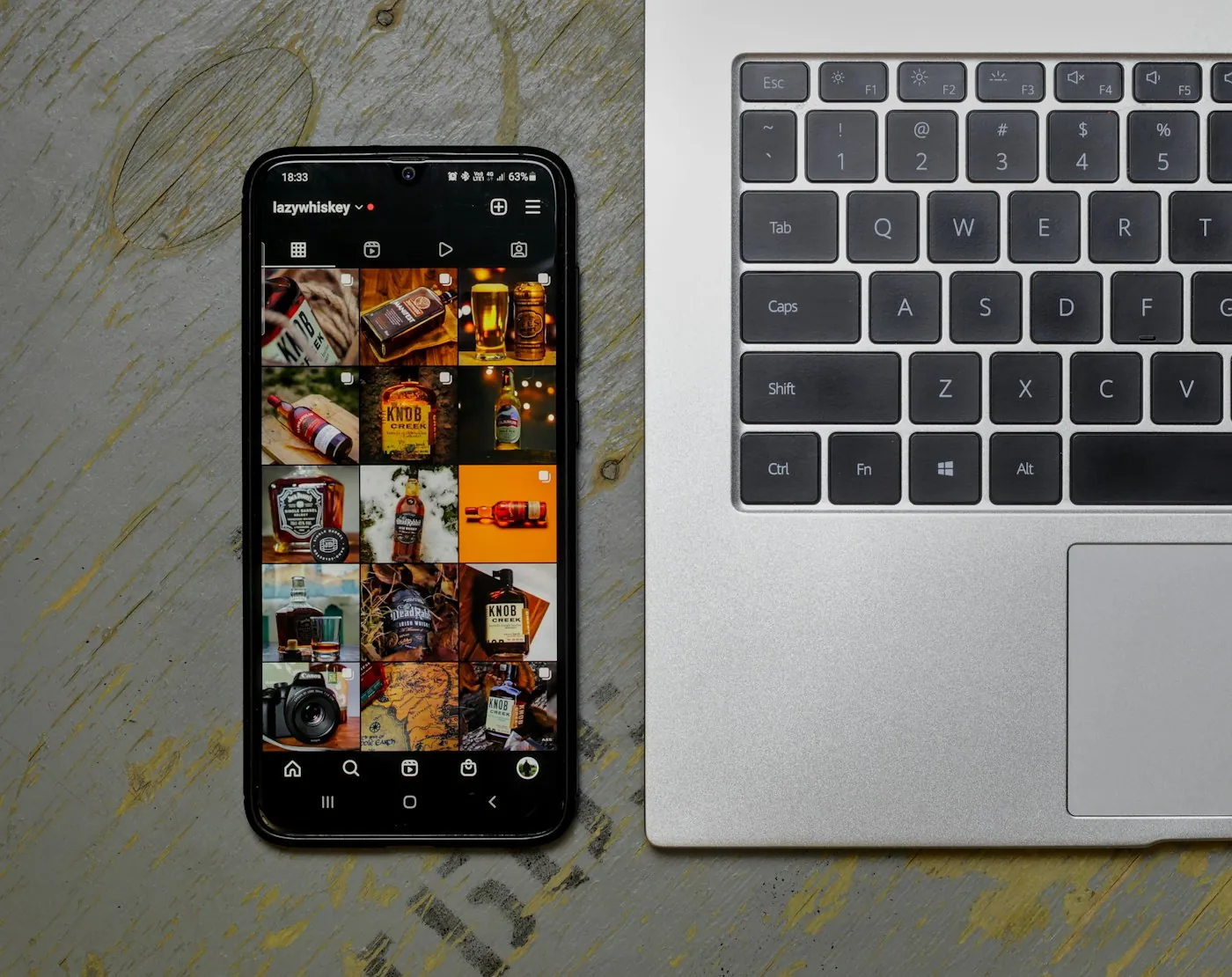
Keep every slide in the same visual world.
Use consistent fonts, filters, colors, stickers and effects to make your carousel feel cohesive. Whether your style is clean, editorial, scrapbook, film-inspired or bold, every slide fits the same visual world.
- Premium fonts
- Aesthetic filters
- Film and vintage effects
- Stickers and icons
- Frames and overlays
- Consistent visual styling
Make your images carousel-ready.
Use AI tools to enhance photos, remove backgrounds or clean up distractions before placing them into your carousel. Better source images make the full swipe feel more finished.
- AI photo enhance
- AI background remover
- Magic eraser-style cleanup
- Cleaner product photos

Carousels for stories, ideas and visual worlds.
Seamless swipe posts
Connected designs where images, shapes or text flow across multiple slides.
Photo series
Turn trips, events, shoots, memories or projects into polished multi-slide posts.
Lookbooks
Show outfits, products, interiors, collections or campaigns in a swipeable format.
Educational posts
Break tips, tutorials, frameworks and lessons into saveable Instagram carousels.
Product launches
Reveal a product, feature, collection or offer across multiple slides.
Before-and-after posts
Show transformations, edits, design progress, makeovers or results.
Portfolio posts
Present photography, design work, art, client projects or case studies.
Storytelling posts
Turn personal stories, brand narratives or travel diaries into visual sequences.
Make a seamless carousel in minutes.
Choose a template
Pick a seamless carousel template or swipe-post layout.
Add your content
Drop in photos, text, colors, fonts and stickers.
Connect the slides
Arrange elements across frames so the carousel flows.
Polish each frame
Review the flow and refine each slide before posting.
Export & post
Share to Instagram or your favorite social platform.
More than a basic carousel post maker.
Basic design tools
- Slides often feel disconnected
- Hard to align elements across frames
- Slow to build multi-slide designs
- Not optimized for Instagram swipe posts
- Requires too much manual layout work
Basic collage apps
- Good for single images only
- Limited storytelling structure
- Not built for multi-slide flow
- Hard to make educational or launch carousels
- Often missing AI and brand tools
Zaps Seamless Carousel Maker
- Seamless carousel templates
- Swipe-post layouts built for Instagram
- Photo series and lookbook formats
- Educational carousel structures
- Collage-style creative tools
- Fonts, stickers, filters and effects
- AI photo tools
- Full creative studio — stories, reels, posts and edits
Create more with Zaps.
Loved by carousel creators everywhere.
"I wanted my carousels to feel connected instead of looking like random slides. Zaps made the whole swipe feel designed."
"The templates are perfect for photo series and lookbooks. I can turn a set of images into a polished post quickly."
"I use Zaps for educational carousels because the layouts make my ideas easier to read and save."
FAQ
A seamless Instagram carousel is a multi-slide post where images, text, shapes or design elements appear to flow across slides. It makes the post feel like one connected visual story.
Yes. Zaps is designed to help you create swipe-through carousel posts with connected layouts, templates, photos, fonts, stickers, filters and AI tools.
You can use carousels for photo series, lookbooks, tutorials, educational posts, product launches, portfolios, before-and-after posts and storytelling content.
Yes. Zaps helps you turn tips, lessons, steps, lists and frameworks into clean, readable carousel slides.
Yes. You can add photos, text, fonts, stickers, frames, filters and other design elements across your carousel slides.
Yes. Businesses can create product launches, lookbooks, service explainers, testimonials, menus, listings, offers and campaign posts.
No. Zaps also includes tools for collages, stories, short videos, filters, AI editing, brand content and more.
Create a carousel people want to swipe through.
Start with a seamless carousel template, add your photos or idea, customize the style and publish a swipe post that feels connected from beginning to end.