Fonts & Stickers
Add the details that make it yours.
Turn simple photos and templates into expressive social content with premium fonts, curved text, stickers, labels, frames, overlays and creative effects. Personalize stories, collages, carousels, short videos and posts without a desktop design tool.
Fonts and stickers are typography and graphic elements you layer on photos, stories and reels.
Zaps includes a premium font library, curved text, hand-drawn stickers, frames and overlays for Instagram posts, stories, carousels and reels. Drag, resize and recolor from your phone. A mobile-first alternative to Phonto, Over and Canva for creators who want fonts plus full design tools in one app.
- LibraryPremium fonts, curved text, stickers
- Works onPhotos, stories, carousels, reels
- Built foriOS & Android
- ReplacesPhonto, Over, Canva
The problem
A good layout needs personality.
- Basic fonts make your posts feel generic.
- Built-in story stickers do not match your aesthetic.
- You want curved text, labels and overlays without opening Canva.
- Your collages need captions, dates, icons and frames.
- Your carousel slides need arrows, callouts and visual hierarchy.
- You want social designs that feel custom, not templated.
Premium fonts
Make every word feel designed.
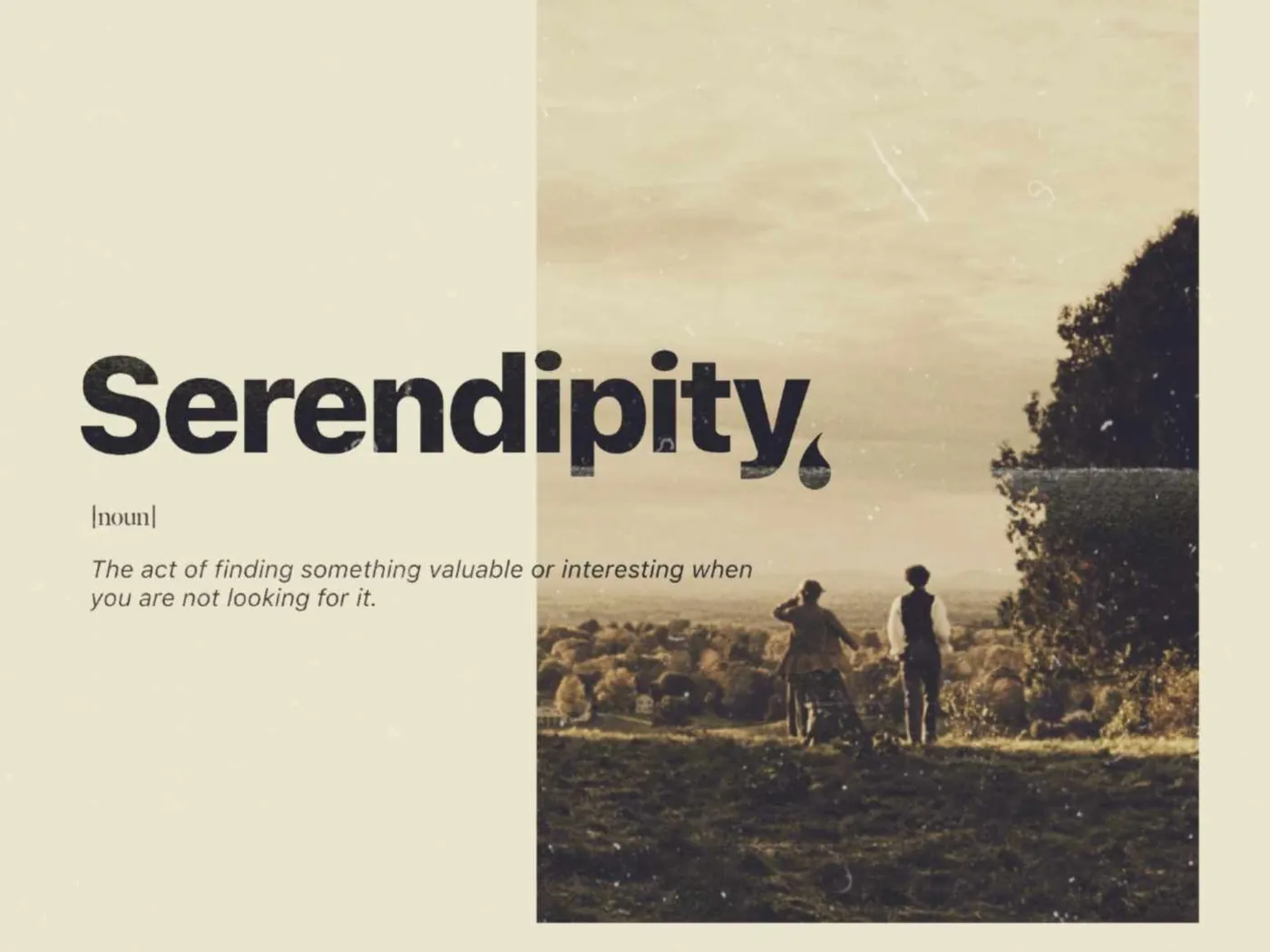
Choose from expressive fonts for stories, posts, carousels, collages, covers and promos. Use clean, bold, handwritten, editorial, minimal, playful or aesthetic font styles to match the mood of your content.
- Premium social media fonts
- Headline and caption styles
- Minimal, bold and editorial fonts
- Handwritten and creator-style fonts
- Consistent typography across designs
Curved text
Bend, arch and wrap your words.
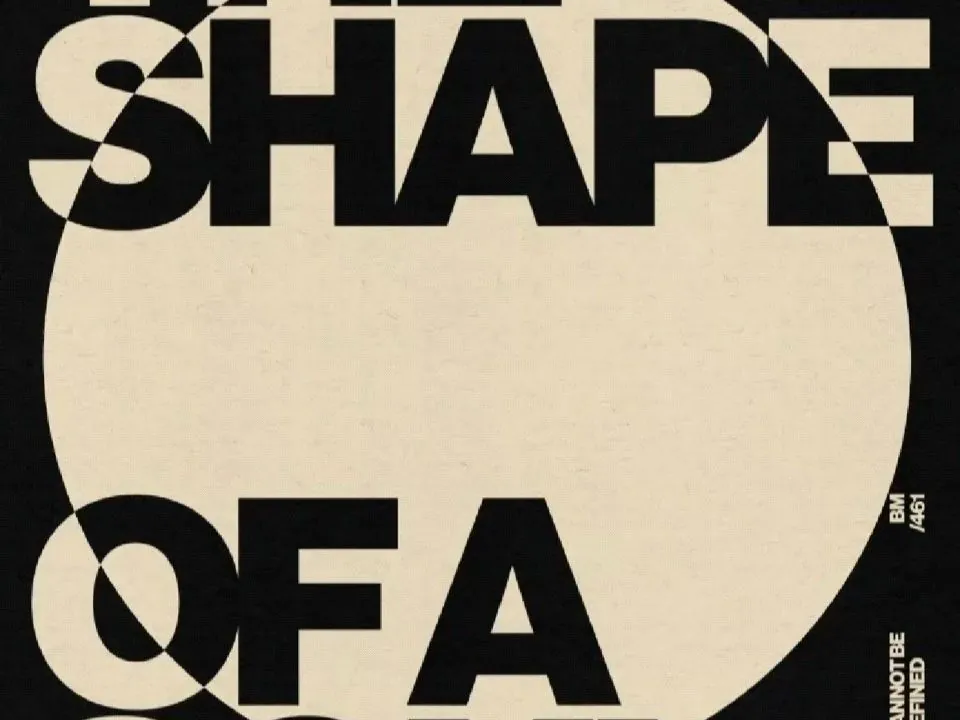
Create curved text for profile overlays, stickers, badges, quote posts, wallpapers, collages and story designs. Use arched, circular or curved text to add movement and personality to your layouts.
- Curved text
- Circular text
- Arched text
- Badge and label text
- Profile photo overlays
- Wallpaper and collage typography
Text effects
Make your message pop without clutter.
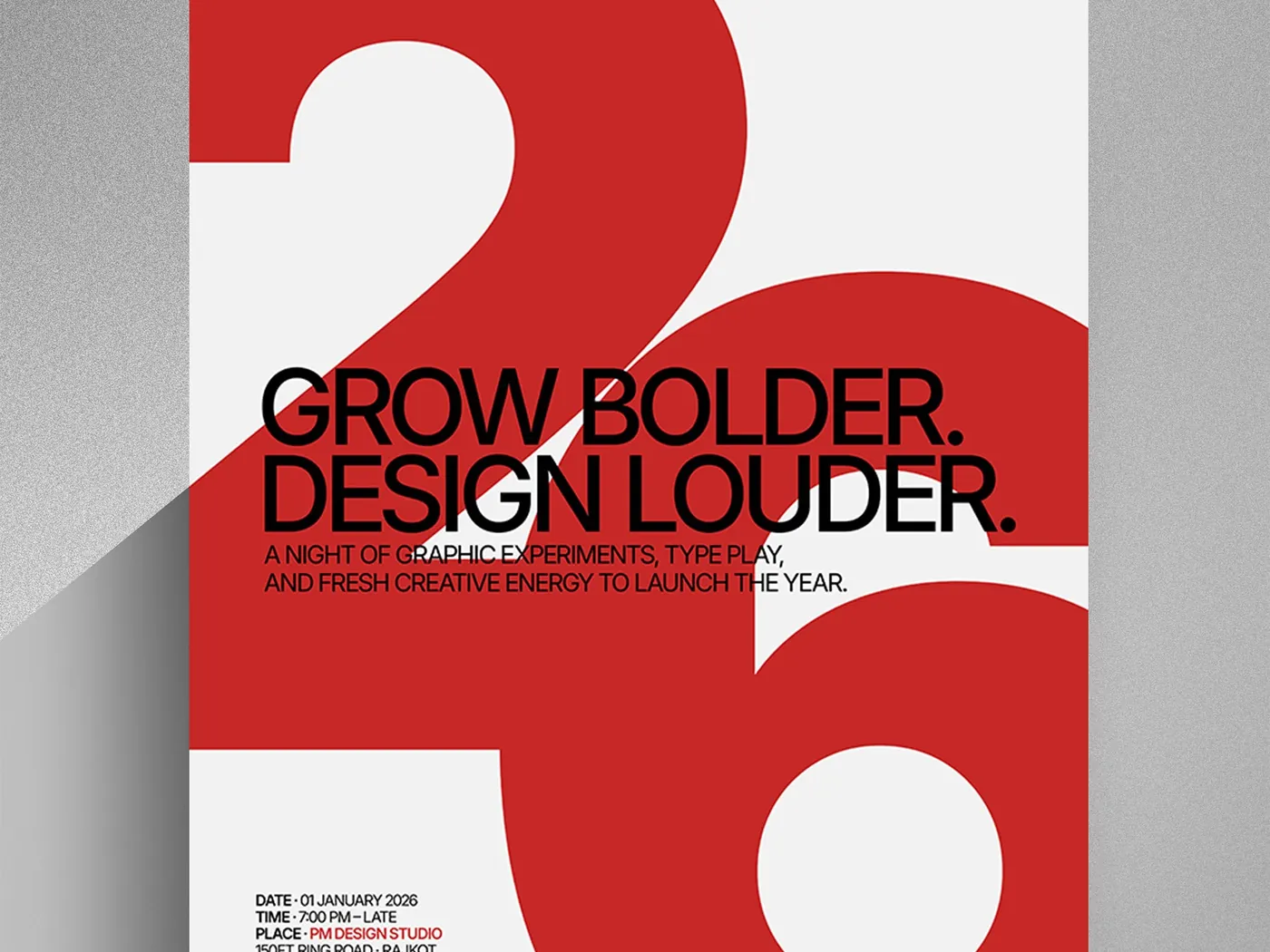
Use text effects to create stronger hooks, clearer labels and more expressive designs. Add emphasis to announcements, tutorials, product promos, quote posts and creator updates.
- Text shadows
- Outlines and strokes
- Highlight text
- Sticker-style typography
- Labels and callouts
- Quote and caption layouts
Stickers and icons
Add personality in a few taps.
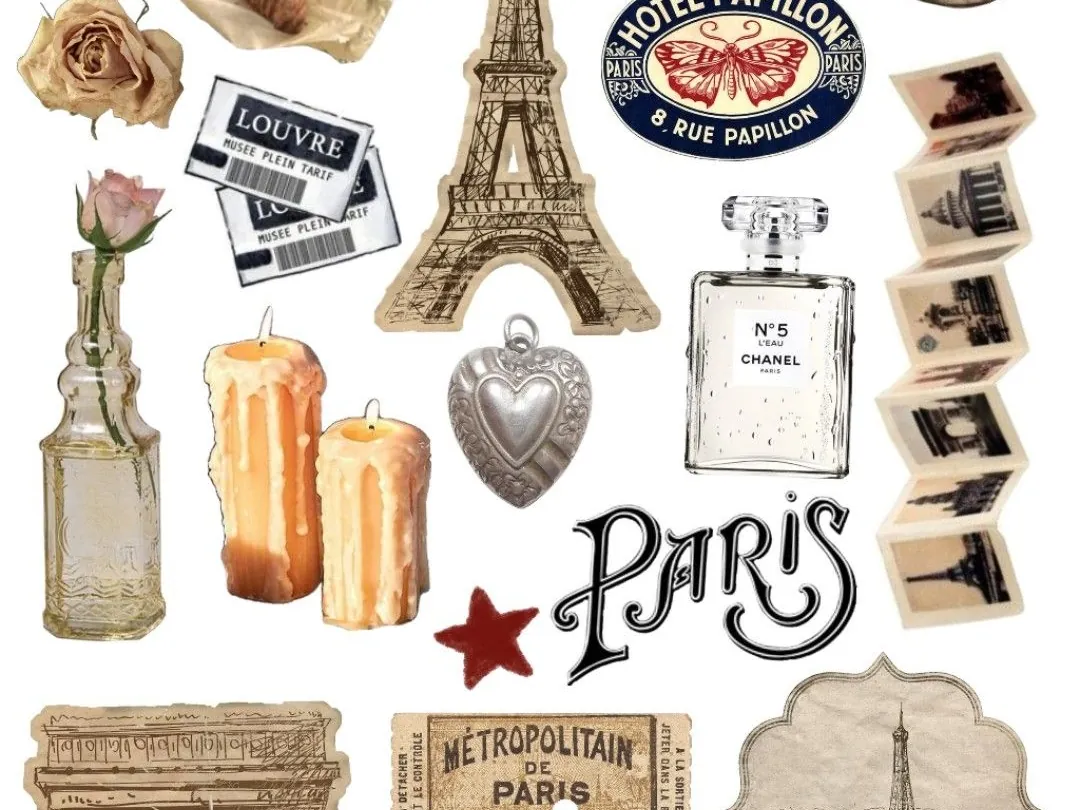
Use stickers, icons and small visual details to make designs feel more fun, expressive and specific. Add arrows, stars, hearts, doodles, labels, badges, reactions, symbols and aesthetic details to your social content.
- Aesthetic stickers
- Icons and symbols
- Arrows and callouts
- Stars, hearts and doodles
- Labels and badges
- Creator-style decorations
Frames and borders
Give your photos a finished look.
Add frames, borders and photo edges to make your images feel more polished. Use them in collages, photo dumps, moodboards, stories, carousels and portfolio-style posts.
- Photo frames
- Borders and outlines
- Film-style frames
- Scrapbook-style edges
- Moodboard layouts
- Portfolio-style presentation
- Cleaner collage design
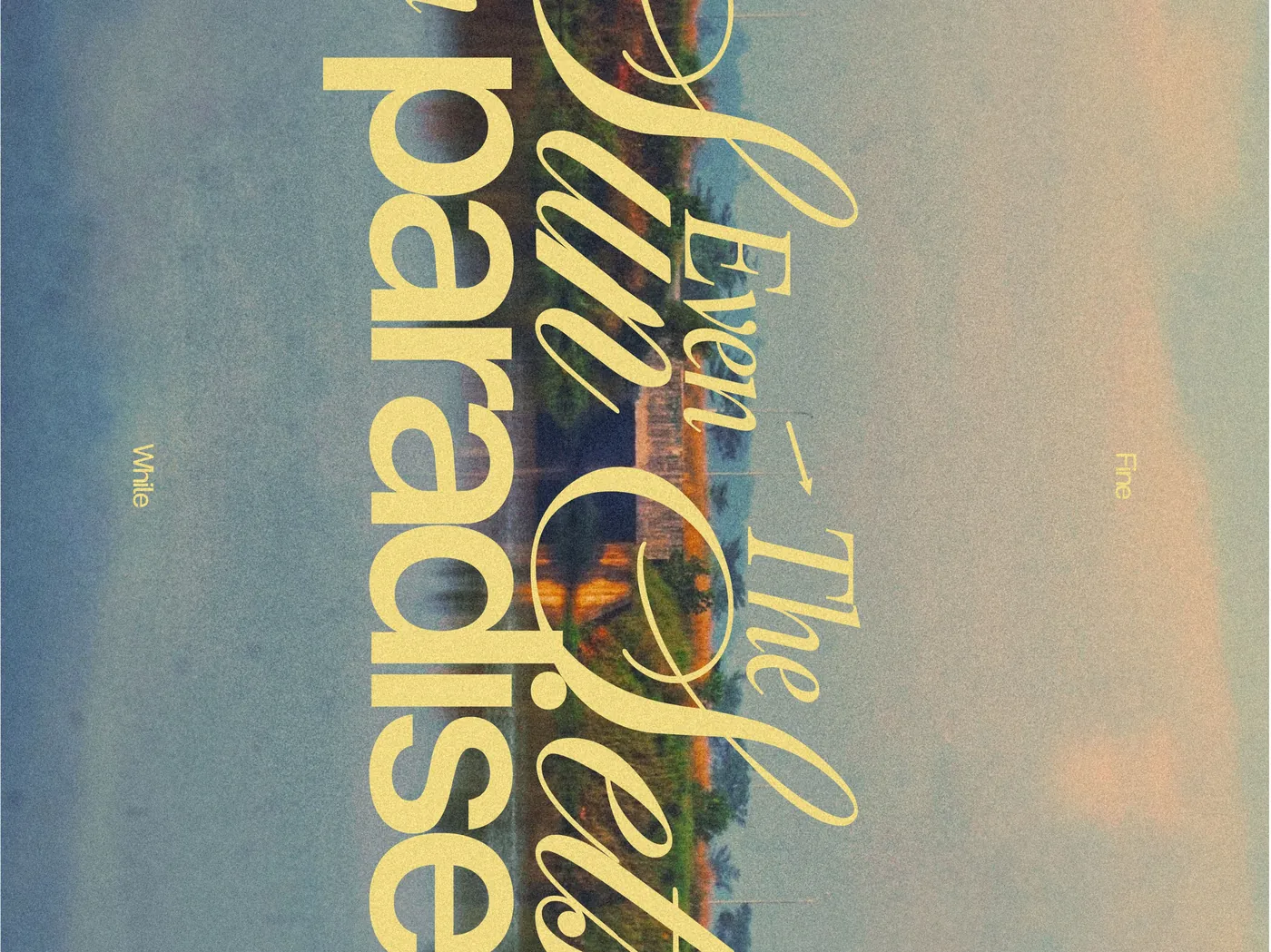
Overlays and shapes
Layer your design like a creator.
Build richer visuals with overlays, shapes and decorative elements. Add depth, texture, balance and structure to your layouts without making them feel crowded.
- Shapes and blocks
- Paper-style overlays
- Texture details
- Light and shadow overlays
- Background accents
- Design layers
- Freeform collage-style creativity
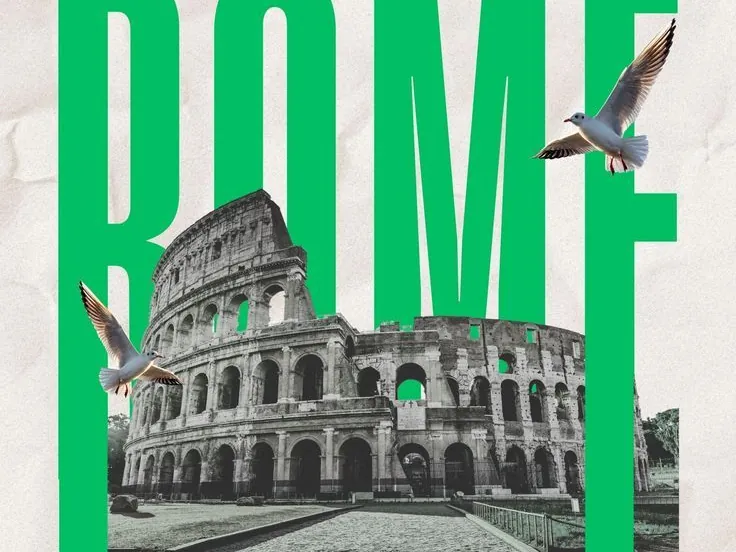
Carousel and story details
Guide the viewer through your post.
Use arrows, labels, numbers, captions and callouts to make stories and carousels easier to follow. Add visual hierarchy so people know what to read, where to swipe and what to remember.
- Swipe arrows
- Step numbers
- Section labels
- Caption blocks
- Tutorial callouts
- Product tags
- CTA badges
- Carousel closing-slide details
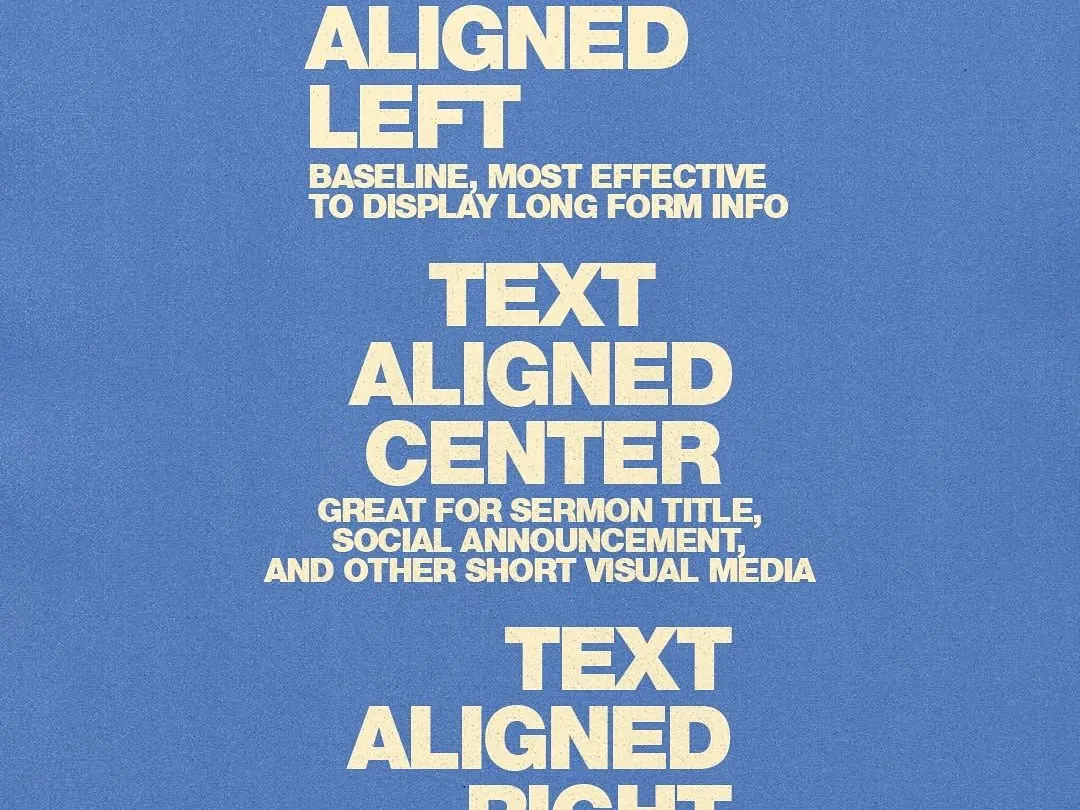
Brand and creator style
Create details people recognize.
Use recurring fonts, stickers, frames and text styles to build a recognizable creator or brand identity. Your content should feel like it came from you, even before someone sees the username.
- Saved font styles
- Branded text layouts
- Reusable stickers and assets
- Consistent story design
- Recognizable carousel style
- Creator signature look
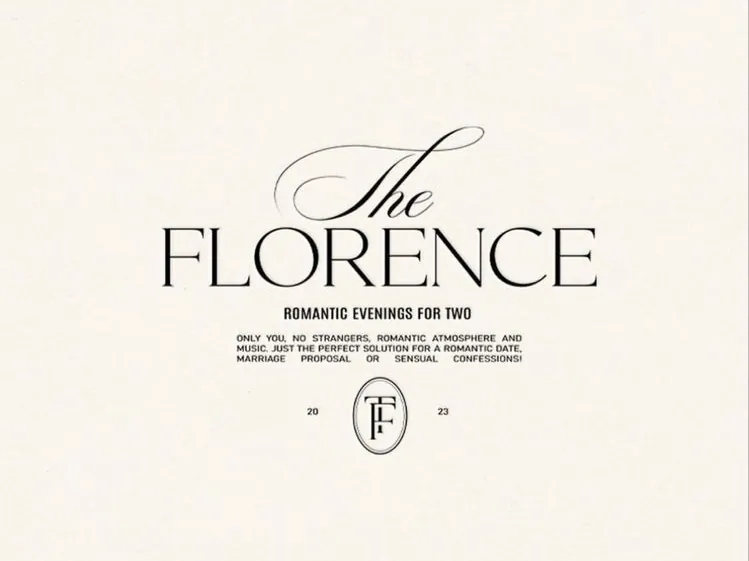
Use cases
Fonts and stickers for every format.
Instagram stories
Add curved text, stickers, labels, frames and captions to daily updates, announcements and photo dumps.
Collages
Use fonts, dates, stickers, icons, frames and overlays to turn photos into expressive layouts.
Seamless carousels
Add arrows, numbers, section labels, quote text and CTA badges to guide people through each slide.
Short videos and covers
Create bold video covers, hook text, title cards and sticker-style overlays for Reels and TikToks.
Wallpapers
Design wallpapers with curved text, quotes, stickers, frames, shapes and aesthetic details.
Product promos
Add price labels, offer badges, product tags, logos, arrows and branded typography.
Creator branding
Build a recognizable style with recurring fonts, stickers, symbols and visual details.
How it works
Add creative details in minutes.
Choose a format
Start with a story, collage, carousel, short video cover or post.
Add fonts
Use fonts that match your mood or brand.
Style your text
Curve, style or highlight text for emphasis.
Layer details
Add stickers, icons, frames, shapes or overlays.
Export and post
Share to Instagram, TikTok or anywhere else.
How we compare
More than basic text and stickers.
Built-in social app tools
- Limited fonts
- Repetitive stickers
- Less control over layout
- Hard to create branded designs
- Not ideal for carousels or collages
General design tools
- Powerful but slower for quick mobile posts
- Curved text and effects may take extra steps
- Often not built around social formats
- Can feel heavy for everyday content creation
Zaps Fonts & Stickers
- Premium fonts
- Curved text and text effects
- Stickers, icons and labels
- Frames, borders and overlays
- Built for stories, collages, carousels and short videos
- Works with templates, filters and AI tools
- Part of a full mobile creative studio
Explore Zaps
Create more with Zaps.
What people say
Creators love the details.
★★★★★
"The fonts and stickers make my posts feel custom instead of like basic templates."
★★★★★
"I love using curved text on collages and story designs. It makes everything feel more fun and designed."
★★★★★
"The little details — arrows, labels, frames and stickers — make my carousels easier to read and way more aesthetic."
FAQ
Frequently asked questions.
Make every design feel like yours.
Add premium fonts, curved text, stickers, frames, labels and overlays to your stories, collages, carousels, short videos and posts with Zaps.